Code to Cloud · Notes
12 — Game Development, GPU Computing & ML Pipelines
Lecture slides and notes for 12 — Game Development, GPU Computing & ML Pipelines from the Notes module in Code to Cloud by Md Ahbab. 13 pages.
Content Preview
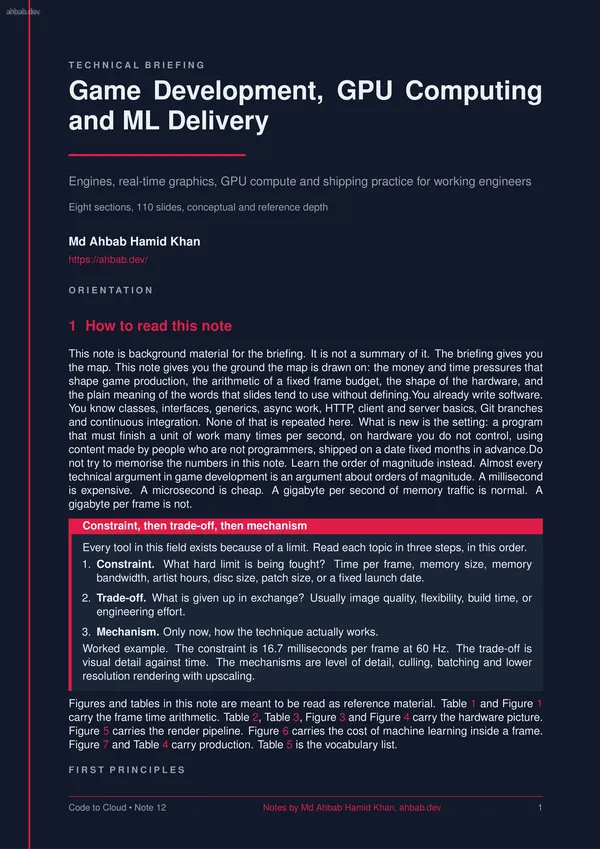
T E C H N I C A L B R I E F I N G Game Development, GPU Computing and ML Delivery Engines, real-time graphics, GPU compute and shipping practice for working engineers Eight sections, 110 slides, conceptual and reference depth Md Ahbab Hamid Khan https://ahbab.dev/ O R I E N T A T I O N 1 How to read this note This note is background material for the briefing. It is not a summary of it. The briefing gives you the map. This note gives you the ground the map is drawn on: the money and time pressures that shape game production, the arithmetic of a fixed frame budget, the shape of the hardware, and the plain meaning of the words that slides tend to use without defining.You already write software. You know classes, interfaces, generics, async work, HTTP, client and server basics, Git branches and continuous integration. None of that is repeated here. What is new is the setting: a program that must finish a unit of work many times per second, on hardware you do not control, using content made by people who are not programmers, shipped on a date fixed months in advance.Do not try to memorise the numbers in this note. Learn the order of magnitude instead. Almost every technical argument in
2 Why games are not ordinary software Most server and application code is judged on throughput and average latency. If a request takes 300 milliseconds instead of 200, a user shrugs. A game is judged on the worst case, every frame, forever. That single difference produces most of the rest. 2.1 The work is periodic and the deadline is fixed A game runs a loop. Each pass through the loop is a frame: read input, advance the simulation, decide what is visible, tell the graphics processor what to draw, present the finished image. The display refreshes at a fixed rate, so the loop has a fixed deadline. At 60 Hz the deadline arrives every 16.7 milliseconds whether the work is finished or not.This is called soft real time. Missing the deadline does not destroy anything, unlike a flight controller or a pacemaker, but the user sees it immediately as a stutter. Human vision is very good at spotting an uneven rhythm. A steady 30 frames per second usually looks better than a rate that swings between 45 and 60. This is why the profession talks about frame time in milliseconds rather than frames per second: milliseconds add up, frame rates do not. 2.2 The consequence: everything becomes a budget
3 The frame budget in detail The arithmetic is simple and it never changes. Divide one second by the target frame rate.At 30 Hz the budget is 1000 / 30, which is 33.3 milliseconds. At 60 Hz it is 16.7 milliseconds. At 120 Hz it is 8.3 milliseconds. At 144 Hz it is 6.9 milliseconds. Table 1 lists these with the shares a team would typically plan around, and Figure 2 shows why the curve matters more than the numbers.Notice the shape of the relationship. Going from 30 Hz to 60 Hz costs 16.7 milliseconds of work per frame. Going from 60 Hz to 120 Hz costs only 8.3 more. The higher the target, the smaller the absolute saving and the harder the engineering. This is why 60 Hz is the common target and why 30 Hz remains alive on consoles for visually heavy games.The shares in Table 1 are typical planning Table 1: Frame budget by target frame rate. The point to take away: the budget is set by the display, not by how much work the game wants to do. The CPU and GPU shares overlap because they run in parallel on different frames. Target (Hz) Budget (ms) CPU frame (ms) GPU frame (ms) Spike headroom (ms) 24 41.7 24 to 34 24 to 36 5 to 8 30 33.3 18 to 27 18 to 29 3 to 6 60 16.7 9 to 13 9 to 14 1.5
Other Documents in Notes
- 1 — Software Architecture & System Design
- 2 — Backend Engineering Across Frameworks
- 3 — Frontend Engineering & the Browser Layer
- 4 — Databases, Storage & the Data Layer
- 5 — AI Integration, Model Serving & Agentic Systems
- 6 — Containers, Docker & Kubernetes
- 7 — Cloud Infrastructure, VMs & Server Operating Systems
- 8 — Networking, Domains, TLS, CDN & Security