Code to Cloud · Notes
3 — Frontend Engineering & the Browser Layer
Lecture slides and notes for 3 — Frontend Engineering & the Browser Layer from the Notes module in Code to Cloud by Md Ahbab. 15 pages.
Content Preview
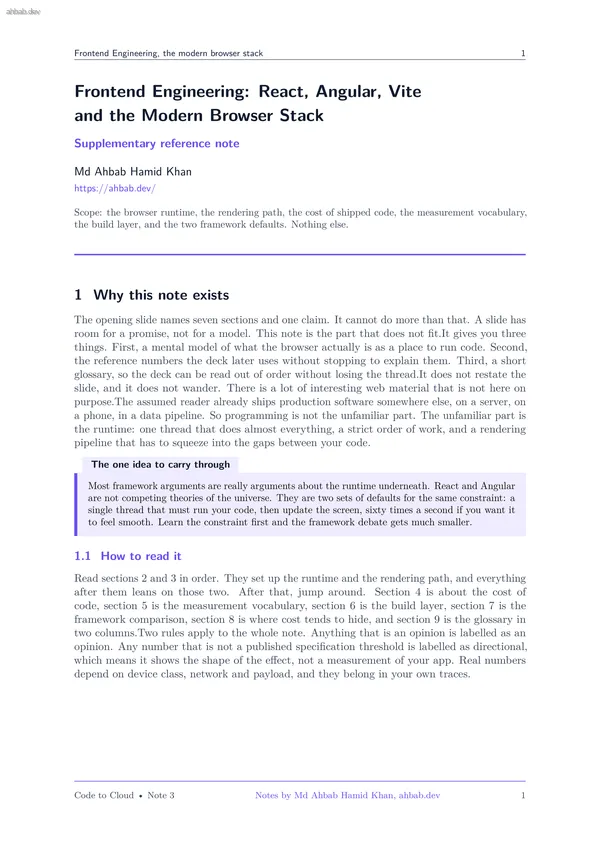
Frontend Engineering, the modern browser stack 1 Frontend Engineering: React, Angular, Vite and the Modern Browser Stack Supplementary reference note Md Ahbab Hamid Khan https://ahbab.dev/ Scope: the browser runtime, the rendering path, the cost of shipped code, the measurement vocabulary, the build layer, and the two framework defaults. Nothing else. 1 Why this note exists The opening slide names seven sections and one claim. It cannot do more than that. A slide has room for a promise, not for a model. This note is the part that does not fit.It gives you three things. First, a mental model of what the browser actually is as a place to run code. Second, the reference numbers the deck later uses without stopping to explain them. Third, a short glossary, so the deck can be read out of order without losing the thread.It does not restate the slide, and it does not wander. There is a lot of interesting web material that is not here on purpose.The assumed reader already ships production software somewhere else, on a server, on a phone, in a data pipeline. So programming is not the unfamiliar part. The unfamiliar part is the runtime: one thread that does almost everything, a strict order
Frontend Engineering, the modern browser stack 2 2 The browser as an execution environment A browser tab is not a general purpose runtime with threads to spare. It is closer to a game loop. One thread, called the main thread, owns the document, the JavaScript heap, the event handlers and the rendering work. If your code is running, nothing is being painted. If painting is happening, your code is not running. 2.1 The event loop, in one paragraph The main thread runs a loop. Each turn it takes one task from the task queue and runs it to completion. A task is a unit of work such as a click handler, a timer callback, a parsed chunk of HTML or the callback of a finished network request. When that task returns, the loop drains the microtask queue completely. Only then may the browser render. Then it starts again. Figure 1 draws that cycle. 2.2 Macrotask and microtask, and why the difference bites A macrotask is a queued task, one per turn. A microtask is a smaller job that must run before the thread is allowed to move on: promise callbacks, queueMicrotask, mutation observer callbacks. The microtask queue is drained to empty, and microtasks added while draining are also run in the same ch
Frontend Engineering, the modern browser stack 3 Task queue one macrotask is taken per turn Run that task to completion (handler, timer, network callback) Microtask checkpoint promises drained to empty Render opportunity style, layout, paint, composite taken only when a new frame is needed, about every 16.7 ms at 60 Hz a long task here de- lays both input and the next frame Figure 1: The event loop as a cycle. Take away the ordering: your task finishes, then every pending microtask runs (the violet step), and only after that may the browser paint. Work that never yields, or that keeps queueing microtasks, means the render step is never reached and the page appears frozen. 1. Runtime: the DOM, the event loop, the rendering pipeline 2. Build tooling: modules, dev server, production bundle 3. Frameworks: React and Angular 4. State and data: stores, caches, fetching 5. Styling and media: CSS strategy, images, fonts 6. Performance: budgets, profiling, the vitals 7. Accessibility and delivery: semantics, caching, rollout closer to the machine closer to the product frameworks sit above the runtime, never beside it Figure 2: The deck as a stack. Take away the direction of dependency: every
Other Documents in Notes
- 1 — Software Architecture & System Design
- 2 — Backend Engineering Across Frameworks
- 4 — Databases, Storage & the Data Layer
- 5 — AI Integration, Model Serving & Agentic Systems
- 6 — Containers, Docker & Kubernetes
- 7 — Cloud Infrastructure, VMs & Server Operating Systems
- 8 — Networking, Domains, TLS, CDN & Security
- 9 — CICD, Deployment Workflows & Observability