Code to Cloud · Notes
6 — Containers, Docker & Kubernetes
Lecture slides and notes for 6 — Containers, Docker & Kubernetes from the Notes module in Code to Cloud by Md Ahbab. 14 pages.
Content Preview
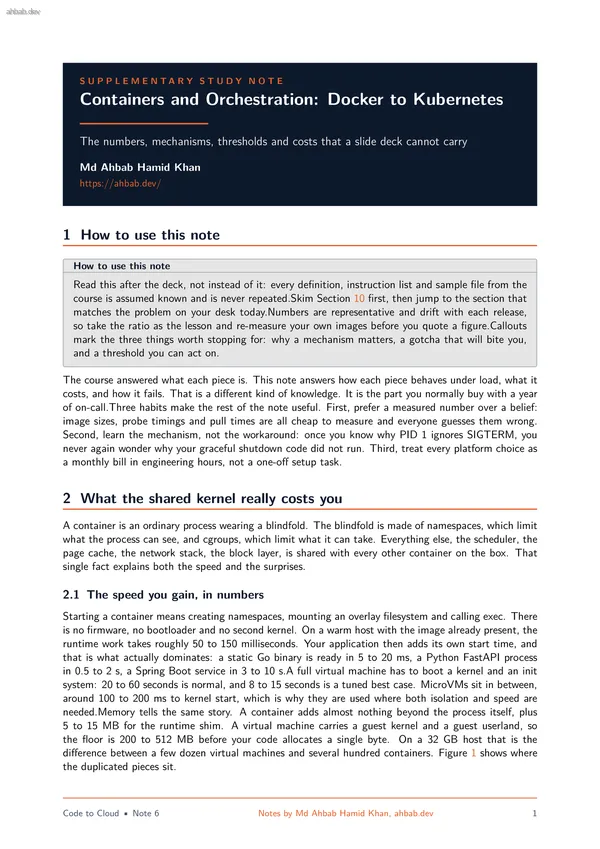
S U P P L E M E N T A R Y S T U D Y N O T E Containers and Orchestration: Docker to Kubernetes The numbers, mechanisms, thresholds and costs that a slide deck cannot carry Md Ahbab Hamid Khan https://ahbab.dev/ 1 How to use this note How to use this note Read this after the deck, not instead of it: every definition, instruction list and sample file from the course is assumed known and is never repeated.Skim Section 10 first, then jump to the section that matches the problem on your desk today.Numbers are representative and drift with each release, so take the ratio as the lesson and re-measure your own images before you quote a figure.Callouts mark the three things worth stopping for: why a mechanism matters, a gotcha that will bite you, and a threshold you can act on. The course answered what each piece is. This note answers how each piece behaves under load, what it costs, and how it fails. That is a different kind of knowledge. It is the part you normally buy with a year of on-call.Three habits make the rest of the note useful. First, prefer a measured number over a belief: image sizes, probe timings and pull times are all cheap to measure and everyone guesses them wrong. Second
Server hardware Host operating system One shared Linux kernel Container runtime (containerd, runc) App A + libs App B + libs App C + libs Container stack Server hardware Host OS and hypervisor App A + libs Guest userland Guest kernel App B + libs Guest userland Guest kernel App C + libs Guest userland Guest kernel Virtual machine stack Start: 50 to 150 ms Floor: a few MB Start: 20 to 60 s Floor: 200 to 512 MB each Figure 1. The container stack shares one kernel, so isolation is a kernel feature rather than a hardware boundary. The virtual machine stack repeats the kernel and userland per workload, which is what makes it slow to start and expensive to keep resident. 2.2 What the blindfold does not cover Namespaces hide things. They do not virtualise them. Several parts of the system are still the host’s, and each one has caused a production incident somewhere: • The kernel version is the host’s. A container built on a newer distribution still runs the host kernel. A kernel panic, a bad module or a kernel bug takes down every container on the machine at once. • /proc/cpuinfo and /proc/meminfo are not namespaced. Inside a 1 CPU container on a 64 core host, the process reads 64 CPUs an
with an average CPU use of 40 percent can still show p99 latency in clean multiples of 100 ms. Second, threads spend the budget faster: four busy threads under a 1 CPU limit burn the 100 msbudget in 25 ms of wall time, then sit idle for 75 ms. The evidence is in the cgroup’scpu.stat file, in the nr_throttled and throttled_usec counters. If those climb while average use looks low, throttling is your latency.Memory limits behave differently: they are a hard wall with no smoothing, which is the subject of Section 4. Disk and network are barely partitioned at all. The page cache, memory bandwidth and disk queues are shared, so one container doing a large sequential read can evict another container’s hot cache and double its read latency. That is the noisy neighbour problem, and it is the honest cost of sharing a kernel. Rule of thumb Always set CPU and memory requests, because that is what the scheduler uses to place work. Set memory limits on everything, because a leak with no limit takes the whole node down. Be careful with CPU limits on latency sensitive services: either leave them off and rely on requests, or set the limit to at least twice the measured steady state so bursts are n
Other Documents in Notes
- 1 — Software Architecture & System Design
- 2 — Backend Engineering Across Frameworks
- 3 — Frontend Engineering & the Browser Layer
- 4 — Databases, Storage & the Data Layer
- 5 — AI Integration, Model Serving & Agentic Systems
- 7 — Cloud Infrastructure, VMs & Server Operating Systems
- 8 — Networking, Domains, TLS, CDN & Security
- 9 — CICD, Deployment Workflows & Observability