Code to Cloud · Notes
11 — Desktop & Mobile Application Delivery
Lecture slides and notes for 11 — Desktop & Mobile Application Delivery from the Notes module in Code to Cloud by Md Ahbab. 13 pages.
Content Preview
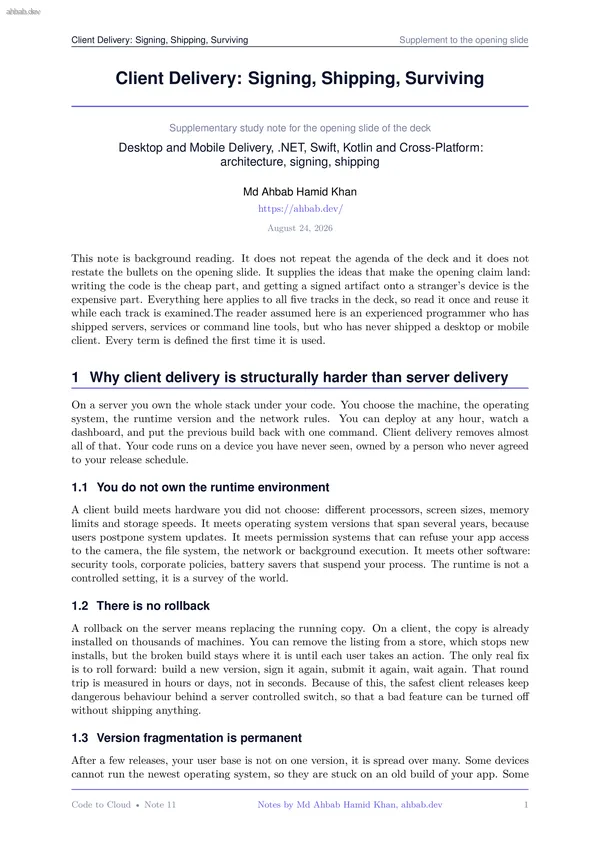
Client Delivery: Signing, Shipping, Surviving Supplement to the opening slide Client Delivery: Signing, Shipping, Surviving Supplementary study note for the opening slide of the deck Desktop and Mobile Delivery, .NET, Swift, Kotlin and Cross-Platform: architecture, signing, shipping Md Ahbab Hamid Khan https://ahbab.dev/ August 24, 2026 This note is background reading. It does not repeat the agenda of the deck and it does not restate the bullets on the opening slide. It supplies the ideas that make the opening claim land: writing the code is the cheap part, and getting a signed artifact onto a stranger’s device is the expensive part. Everything here applies to all five tracks in the deck, so read it once and reuse it while each track is examined.The reader assumed here is an experienced programmer who has shipped servers, services or command line tools, but who has never shipped a desktop or mobile client. Every term is defined the first time it is used. 1 Why client delivery is structurally harder than server delivery On a server you own the whole stack under your code. You choose the machine, the operating system, the runtime version and the network rules. You can deploy at any h
Client Delivery: Signing, Shipping, Surviving Supplement to the opening slide users disabled automatic updates. Some are in a managed fleet where an administrator approves each version. Your backend therefore serves several client generations at once, and every change to an API, meaning the contract between the client and the server, has to consider the oldest client you refuse to break. 1.4 Offline state is real state Clients keep data locally: a small database, cached files, settings, queued actions waiting for a network. That data belongs to the user, it is not a copy of something you hold. You cannot log into the device to inspect it, and you cannot run a repair script over it. A schema migration, meaning a change to the shape of stored data, runs on the user’s machine, one time, without supervision. If it fails there, the user sees a broken app or lost work. 1.5 Gatekeepers sit between you and the user Between your build and your user stand parties with their own rules: store reviewers, notarisation services, reputation systems that judge unknown publishers, and enterprise administrators who push software to managed devices. Each one can delay or refuse a release for reasons t
Client Delivery: Signing, Shipping, Surviving Supplement to the opening slide Source code Compiled binary Package Signed bundle Store listing and review Distribution channel Installed app Updated app wrong target or missing feature flag missing processor architecture bad manifest or version number expired or wrong certificate policy rejection wrong chan- nel or region install refused by the device user never updates Figure 1: The path from source code to an updated app on a device. Each box is a different kind of object, and the slate text is the failure that most often appears at that hop. separation of debug symbols, meaning the extra data that turns a crash address back into a line of code. If you strip symbols and do not archive them, crash reports from the field become unreadable. 2.2 Binary to package A package is a container that holds the binary together with everything the operating system needs to install and describe it: a manifest that declares the name, the version, the required permissions and the supported devices, plus icons, translated strings and assets. The version has two parts on most platforms: a human readable name and a machine readable number that must alwa
Other Documents in Notes
- 1 — Software Architecture & System Design
- 2 — Backend Engineering Across Frameworks
- 3 — Frontend Engineering & the Browser Layer
- 4 — Databases, Storage & the Data Layer
- 5 — AI Integration, Model Serving & Agentic Systems
- 6 — Containers, Docker & Kubernetes
- 7 — Cloud Infrastructure, VMs & Server Operating Systems
- 8 — Networking, Domains, TLS, CDN & Security